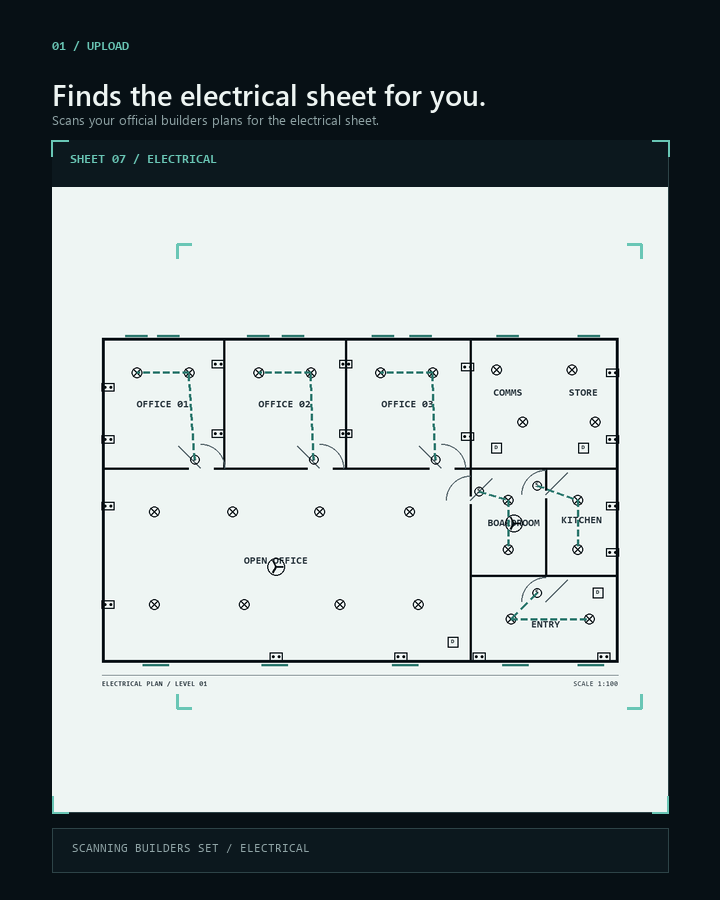
01 / UPLOAD
Send the whole
plan set.
Use the stamped plan from the builder. Scanix finds the electrical pages, so you do not have to split the PDF first.
DROP PLAN / START READ
Turn a builder's plan into an order list
Send us the stamped electrical plan. Scanix counts the lights, power points, switches and other items shown, then gives you a list to check.
No spreadsheets.
No counting symbols by hand.
It finds the electrical pages, counts the items shown and marks anything that needs another look.
Built by a sparky, for sparkies.
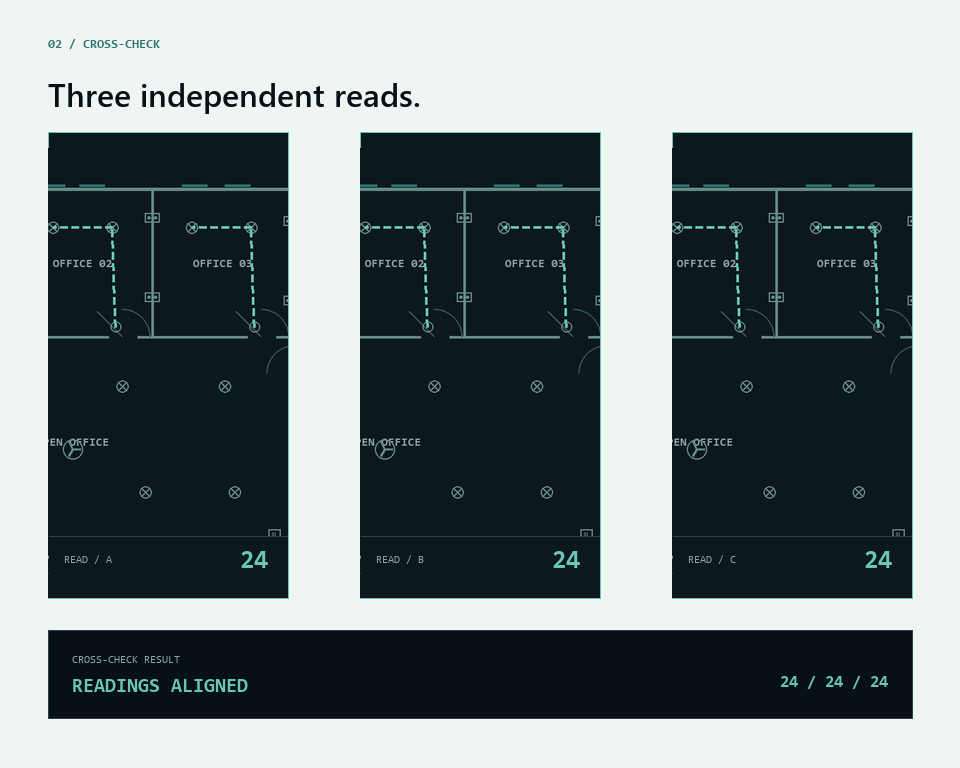
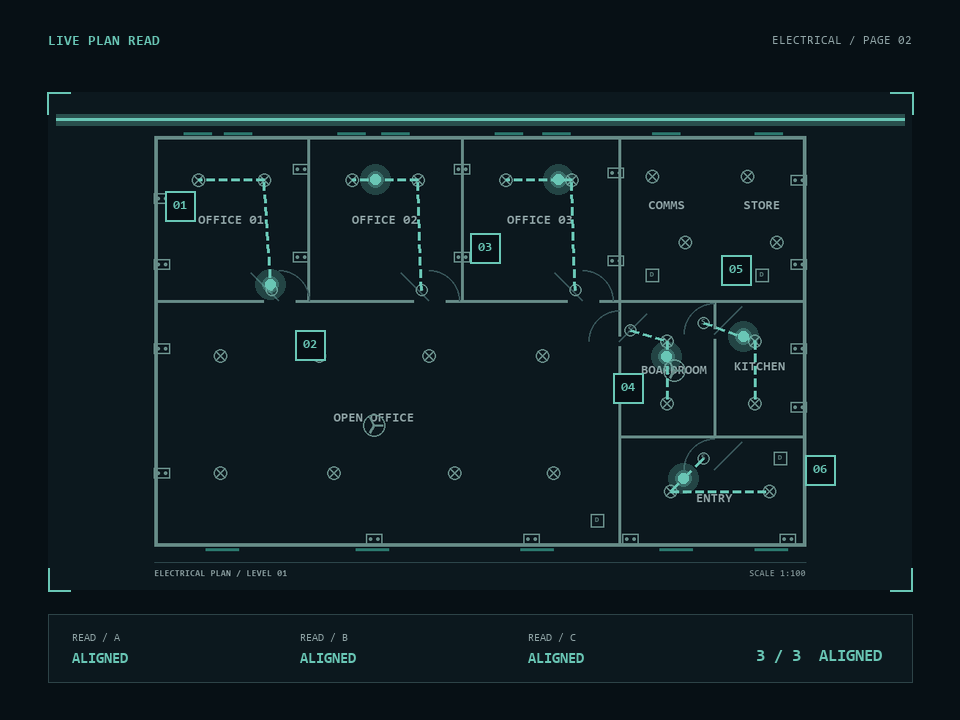
The count is checked three times
Send the plan. Check anything Scanix marks. Use the finished list.
01 / UPLOAD
Use the stamped plan from the builder. Scanix finds the electrical pages, so you do not have to split the PDF first.
DROP PLAN / START READ
02 / CROSS-CHECK
If the three checks do not match, Scanix marks the item for you to review. It does not hide the difference.
When readings differ
Retry, then mark NEEDS REVIEW
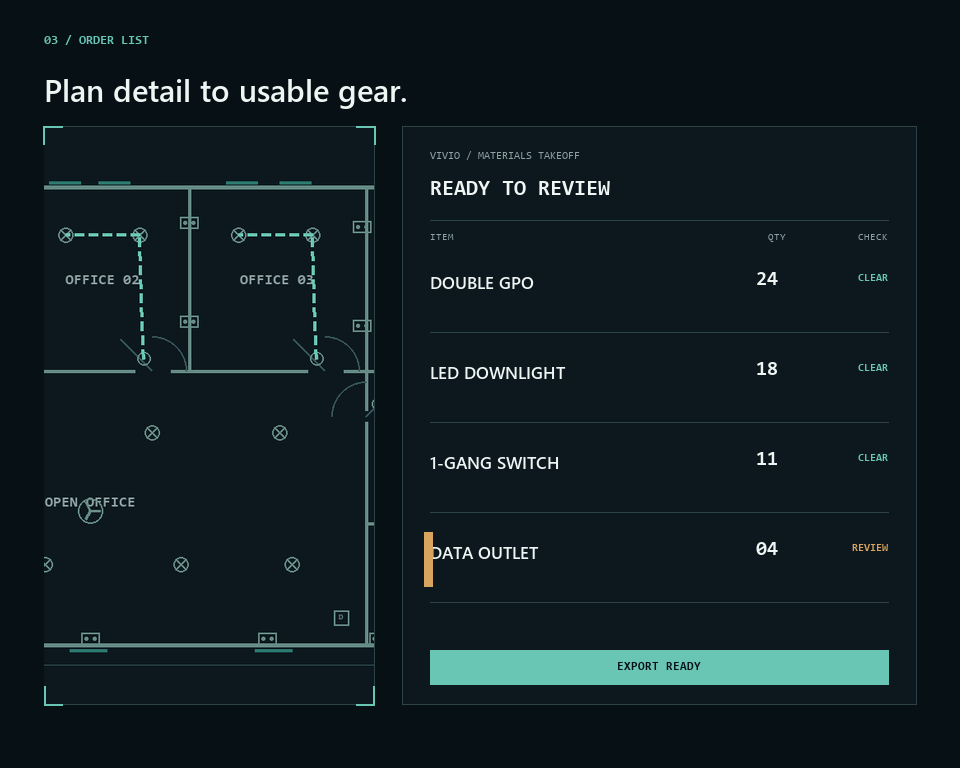
03 / ORDER LIST
The list shows each item and quantity. Check it against the plan, make any changes, then save it as a PDF.
3 clear / 1 needs review
Lights, power points, switches and other items are listed with a quantity and a clear review mark.
Anything different is marked for you.
The list uses the items you order.
Check it, save it, send it.
Pricing
Tell us which builders you work for. We will get in touch and explain the setup.
See how it worksPrices are in Australian dollars. The $3,000 AUD onboarding fee is paid once for each builder. There is also a subscription.
Ready to talk?
We will explain the setup and the price.
Enquire